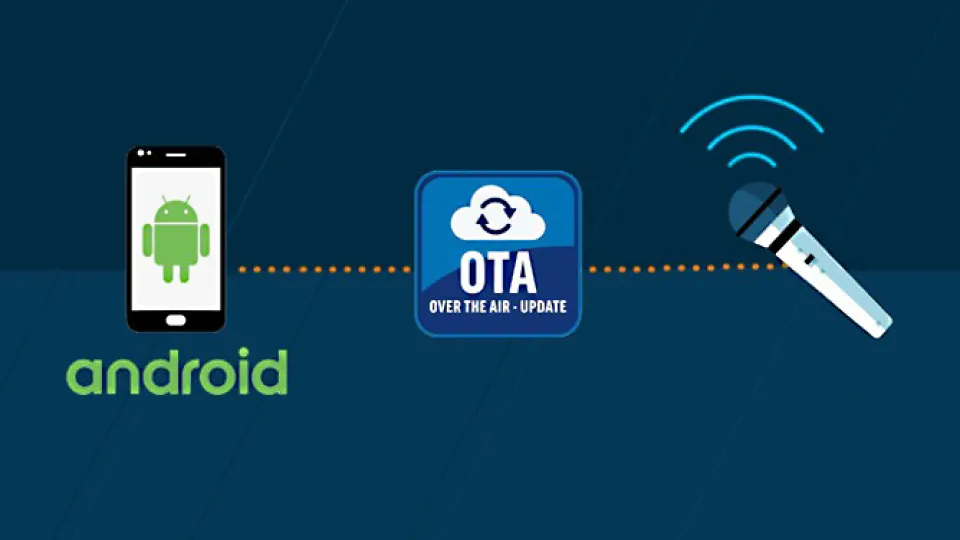
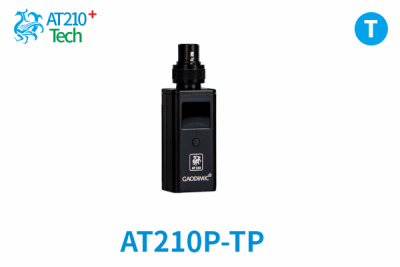
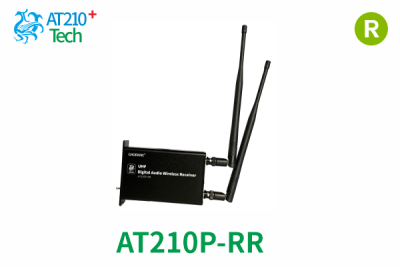
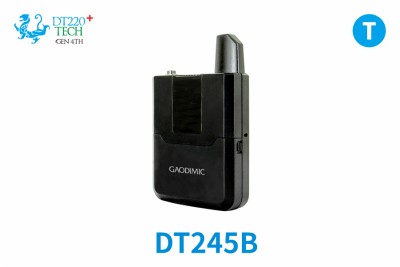
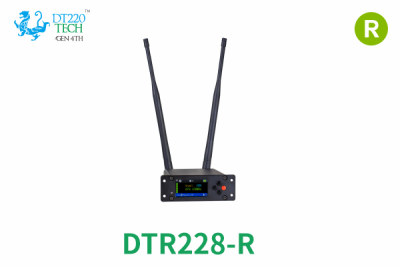
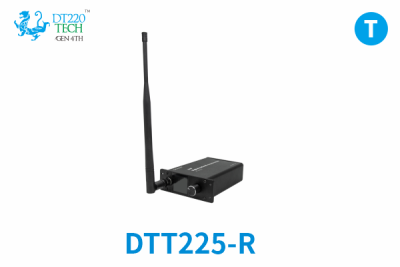
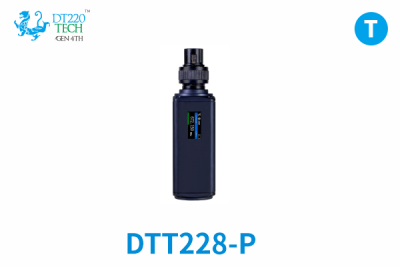
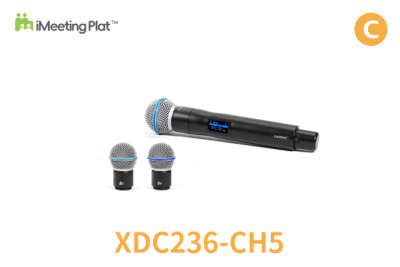
Some iweex / GAODIMIC products support OTA upgrades. Currently, only upgrade operations based on the Android platform are supported.
Please refer to the OTA upgrade guide to operate.
For support, please contact us or your local Dealer.
ATTN: Please perform OTA upgrade operations in compliance with local laws and policies.
1. Introduction to upgrade steps
Download the OTA installation package and upgrade the Bin file – Install OTA – The target device enters OTA mode – Select the bin file and OTA upgrade.
2. Download OTA Software
Method 1:
Download the zip file : "OTA_Telink.zip" and extract it to the file of "OTA_Telink.apk" , then, it can be intalled in Andriod phone.

Method 2:
Download the file : "OTA_Telink.apk" in your phone, then, it can be intalled in Andriod phone.

3. Guide Document.
Please refer to the related documents as the files on the bottom of the page.
4. Software Upgrade Package
Please visit the introduction webpage of each product. If the product supports OTA upgrade, the latest software upgrade file will be marked on the product details page.
The software upgrade files for each product are generally bin files.